

“When you invent the ship, you also invent the shipwreck” — Paul Virilio
Loren Brichter probably didn’t know he was creating a slot machine when he invented pull-to-refresh for Tweetie back in 2008. The interaction felt so natural: when you reached the top of your Twitter feed, you could swipe down even further, release, and pop! fresh tweets would cascade in.
Clip from a Tweetie 2 review on YouTube, 2009
It was an elegant design pattern that made intuitive sense and felt completely native to a touchscreen UI. So much so that it was soon adopted by mobile apps everywhere.
But new interfaces can reveal fundamental things about human behavior, even when we don’t intend them to. Pull-to-refresh inadvertently turned every social app into a digital casino: a virtual one-armed bandit that invites you to keep compulsively pulling in search of one more reward.
Simple design choices can sometimes have big ripple effects.
The dreaded blank prompt
You: “What are the main points in this report?”
ChatGPT: “[explains the report] Would you like me to format this as a table for easy comparison? Or perhaps create a 7-day action plan based on the key insights? I could also generate an executive summary for stakeholders.”
You: “Uh… sure. The first one.”
I bet you’ve personally experienced some version of the following many times.
This is how AI is solving pull to refresh right now. It’s trying valiantly to keep you engaged and get you to a ‘next best action’.
Just like pull-to-refresh, these suggestions provide what designers call an affordance: showing you what you probably want next, exactly where you’d expect to find it. These “next best action” suggestions provide the gentle nudge that a blank blinking cursor does not.
Traditional workflow UIs had to solve this by basically showing you everything up front. Think about Microsoft Office’s infamous ribbon interface—every bloody action possible laid out in row after row of buttons. The problem here was one of discovery vs. overwhelming complexity: how do you show people what’s possible without drowning them in options?
AI interfaces flip this completely. They start with the dreaded blank page, but once you’re over that cold start hump, they can just keep generating the next best action. Format this, expand that, add these options, try this angle. It’s generative UI at its most seductive.
So in one sense, these next best actions are good design! And the sudden ubiquity of this technique—Claude and others do the same thing at the end of virtually every response—suggests we might be witnessing the birth of the first AI-native design pattern before our eyes.
The doomprompting problem
On the other hand, the cognitive outsourcing here may well be the start of a slippery slope.
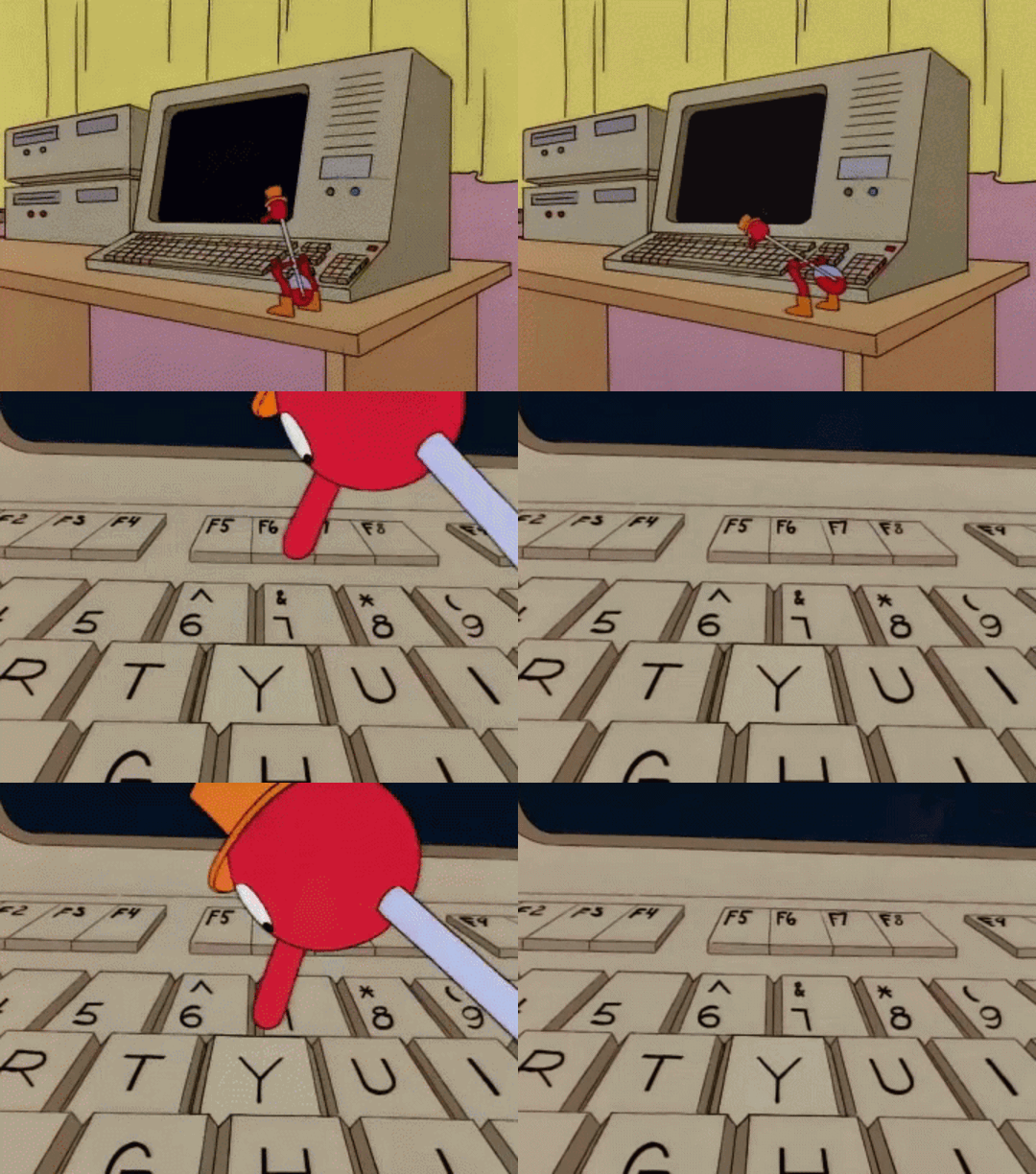
There’s a risk here that you’re outsourcing not just the work, but the thinking. The AI didn’t just answer your question, it also decided what questions you should be asking next, and you just need to keep cranking the handle on that one-armed-bandit.
Some people are calling this doomprompting: the cognitive equivalent of doomscrolling. Keep hitting ‘Y’ and eventually you’ll probably have a fully designed and coded custom application for presenting the insights from the report. But in this case, did you actually design or build anything? Or do any of the thinking? And if not, what’s the point of your role here?
Similarly, pull-to-refresh didn’t just solve the problem of feed updates in a clever way. It tapped into a basic human psychological weakness, by creating a ritualistic gesture of anticipation, a physical manifestation of our craving for novelty that social media exploits masterfully.
Less prompt, more pull—a new prototype
“Every tool is a weapon if you hold it right.” — Ani DiFranco.
So now everyone’s looking for AI’s pull-to-refresh moment: the native interaction pattern that will make working with AI feel as natural as swiping through photos or pinching to zoom. We all have a sense that AI interfaces will somehow develop beyond chatbots, but how?
As a designer this is an intriguing interface puzzle. But like social media, AI presents a very far-reaching design challenge. Already there are concerns about whether AI is impacting our ability to think and write. Whatever happens, AI will undoubtedly bring new cognitive, psychological, and social problems along with it.
And these challenges will probably manifest in the UI patterns that emerge. At the risk of creating a monster, it’s easy to imagine how AI interfaces can be further refined to the point of being almost irresistible.
For example, what if instead of typing “yes please” or “sure” or “y” to every AI suggestion, you could just... scroll-to-accept?
So you’re in a conversation with an AI. It suggests formatting your data as a table. Instead of typing confirmation, you scroll up slightly. The first words of the formatted response begin to stream in. You release… and the full response streams in.
A simple scroll-to-accept prototype I doomprompted into existence.
It’s the same gestural logic as pull-to-refresh, but inverted. Instead of pulling down for new content, you’re scrolling up to accept the AI’s next suggestion. The gestural action mirrors the cognitive one: you’re literally nodding along with the AI.
This isn’t just about efficiency (though it would be faster than typing “yes” repeatedly). It’s about creating appropriate friction for cognitive handoffs.
The scroll gesture requires intentionality—you have to actively choose to let the AI continue down its suggested path. But it’s frictionless enough that good suggestions can flow naturally.
The deeper pattern
Pull-to-refresh worked because it mapped a digital action to a physical intuition. When you reach the bottom of something, you naturally want to see what’s underneath. When an AI offers to take your thinking in a direction, you’re naturally intrigued to turn the page and keep getting more insights.
But here’s where we need to be careful. Pull-to-refresh’s dark pattern wasn’t the gesture itself—it was how it gamified our attention. The slot machine effect came from the variable reward schedule: sometimes you’d get amazing new content, sometimes nothing, but you never knew which until you pulled. And so that pull becomes habitual, compulsive.
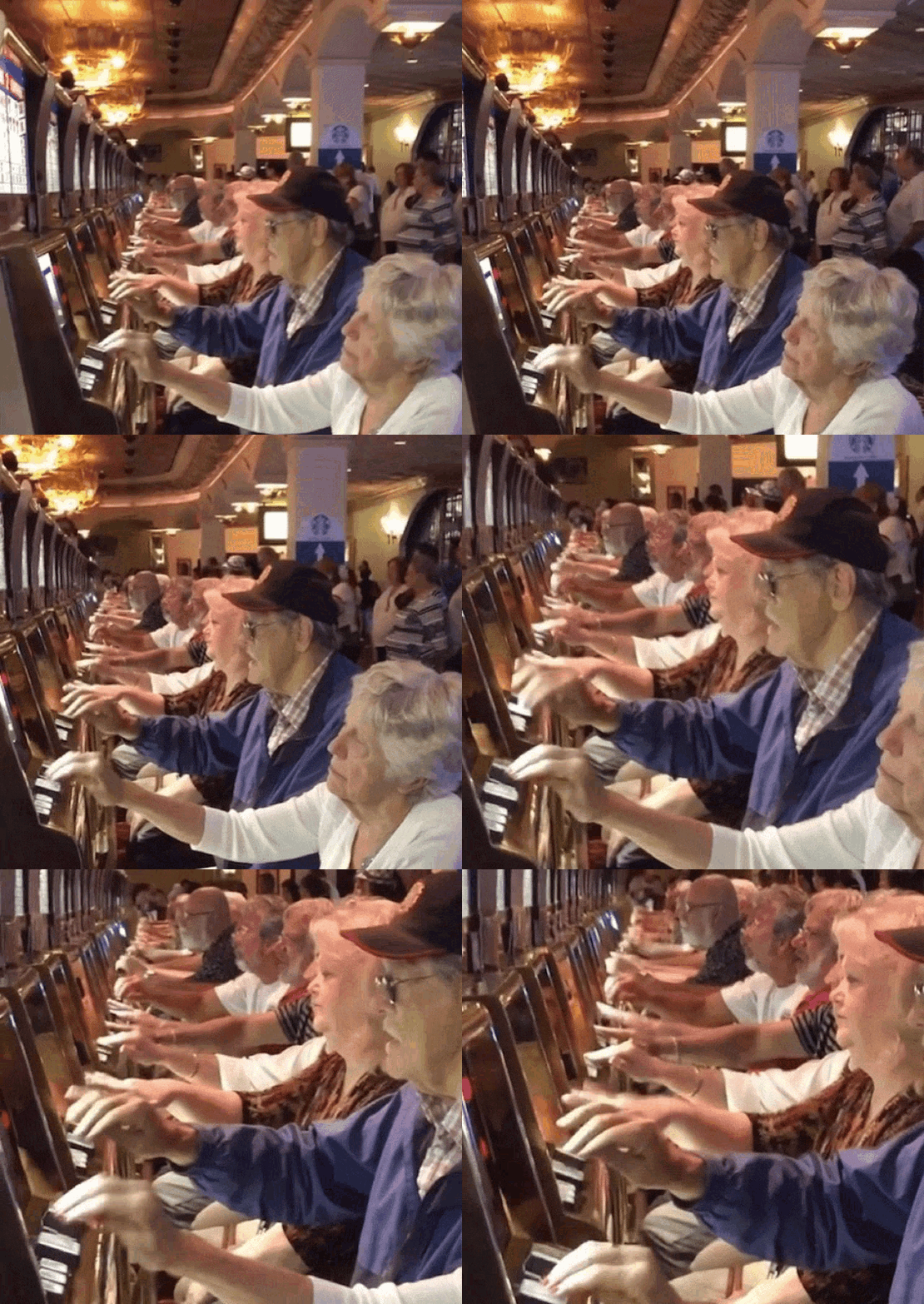
Scroll-to-accept could go the same way. Perhaps even more than social media, builders of AI products may become incentivised to create deep, parasocial cognitive dependencies in their users. The intense competition between LLM providers will mean that this draw will be hard to resist.
If AI suggestions become optimized for addictive engagement rather than genuine helpfulness, we risk building the next generation of doom scrolling—but for our cognition instead of our attention.
Every gesture is an adaptation
The interaction patterns we invent today will shape how humans think alongside AI for decades. Pull-to-refresh taught us to crave novelty on demand. Like buttons trained us to make split-second judgments about worth. Infinite scroll created a sense of infinite engagement.
What might interaction patterns scroll-to-accept teach us or take from us? Hopefully, it will be a thought partner to inspire new avenues of thinking. But do you really believe that?
The pull-to-refresh moment for AI won’t just be about making interactions feel natural. It’ll be about defining the relationship between human agency and machine capability.
The question is not whether it appeals to our base intuitions. It’s whether it helps us think, or does the thinking for us.
As in the analog world friction has value. The digital world needs incentives and disincentives. How do you build those into your UI/UX?